

What to do if you are set back by a problem that you can't solve on your own?
A
Please contact our after-sales support team via mk@gdu-tech.com.

We will connect you with the after-sales engineer.
How to pair the UAV and the remote controller?
A
Before you start, please turn on the aircraft and the remote controller respectively.

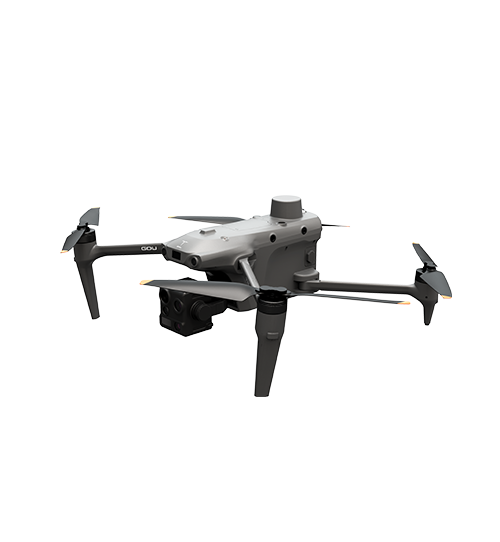
Short-press the power button of the UAV 8 times continuously to enter Frequency Pairing Mode, during which the indicator light shall become white.

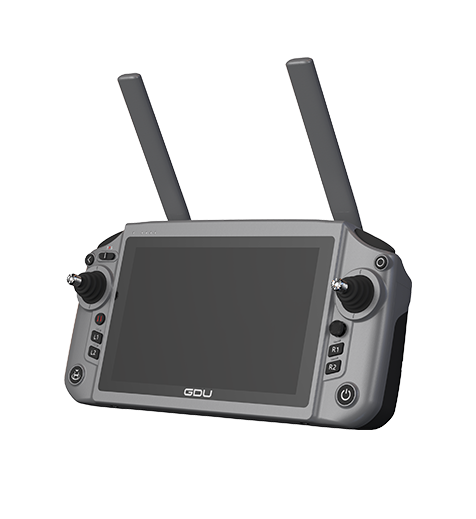
In GDU Flight II, go to Remote Controller Setting and press the Pairing button. The indicator light on the remote controller shall turn green when the pairing is a success.
If the remote controller were dead, will the drone automatically return?
A
When the remote controller is out of power, the in-flight vehicle will enter "Lost" mode.

There are two mechanisms you can choose to cope with the scenario: Immediate Automatic Return and Hover and Return.

When Immediate Automatic Return is set as the default coping mechanism, the vehicle will return automatically and immediately.

When Hover and Return is chosen, the vehicle will hover in the airspace where it enters the "Lost" mode, and drain the battery life until 20% to trigger automatic return.
How to upgrade UAV firmware?
A
Please follow the four steps for firmware upgrade:

1. Open GDU Flight Ⅱ App, which automatically detects the firmware version.

2. When a new version is available, you'll get a notification on the screen. Click "Update Now" to download the installation package.

3. After the download is completed, installation will start automatically.

4. After the upgrade is completed, please restart the device.
Can I control the UAV via Cloud?
A
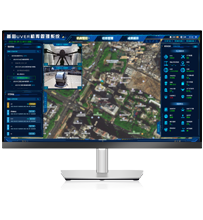
Yes, you may control the drone via Cloud service.
TOP
Subscribe
Join GDU community to receive our latest product updates&newest offerings&marketing campaigns
Subscribe
Your personal data matters and will not be shared with any third-party companies.