How to upgrade UAV firmware?
2025-12-19
Origin:普宙科技(深圳)有限公司
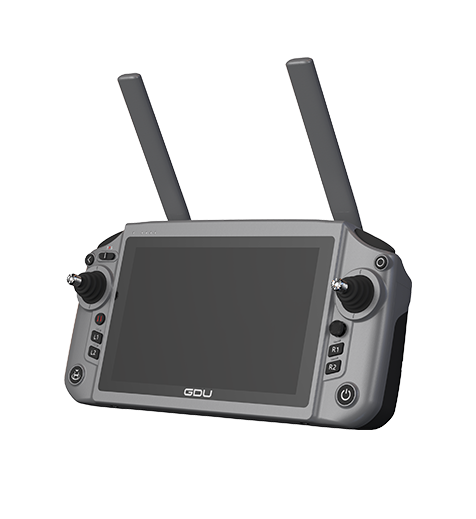
<p style="margin-top: 0px; margin-bottom: 0px; padding: 0px; outline: none; font-family: Arial;">Please follow the four steps for firmware upgrade:</p><p style="margin-top: 0px; margin-bottom: 0px; padding: 0px; outline: none; font-family: Arial;">1. Open GDU Flight Ⅱ App, which automatically detects the firmware version.</p><p style="margin-top: 0px; margin-bottom: 0px; padding: 0px; outline: none; font-family: Arial;">2. When a new version is available, you'll get a notification on the screen. Click "Update Now" to download the installation package.&nbsp;</p><p style="margin-top: 0px; margin-bottom: 0px; padding: 0px; outline: none; font-family: Arial;">3. After the download is completed, installation will start automatically.</p><p style="margin-top: 0px; margin-bottom: 0px; padding: 0px; outline: none; font-family: Arial;">4. After the upgrade is completed, please restart the device.&nbsp;</p>

Last

Next

TOP
Subscribe
Join GDU community to receive our latest product updates&newest offerings&marketing campaigns
Subscribe
Your personal data matters and will not be shared with any third-party companies.